 Slow-Burn Cinematic Intro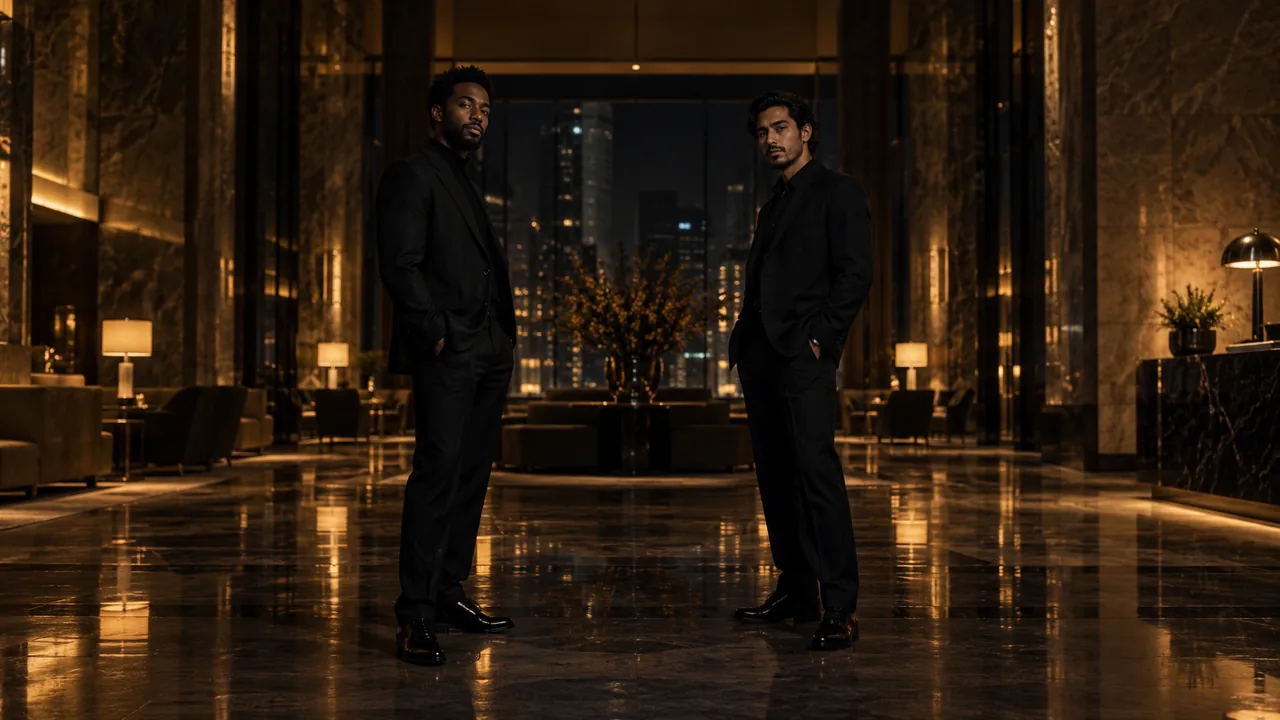
Start with a clear visual idea
Slow-Burn Cinematic Intro builds a rap performance from anticipation to the first phrase. Two performers enter a dark music-video stage, find the pulse and meet at the microphone as the energy rises. A gradual camera move gives way to a shared groove; 15 seconds leaves more room for the build.
Anticipation before delivery
Separate entrances let each performer register before the rap begins. Head nods and the first shoulder movement introduce the rhythm as they approach.
A stage revealed by light
A dark studio, a hanging microphone and warm pools of light keep the focus on the arriving pair. Their faces become clearer as they move into the lit performance area.
The first phrase as the payoff
The sequence builds toward original rap delivery and a shared hip-hop groove. The arrival is an opening beat in the performance, not its only action.
Three ways to describe the scene
Choose a single example as a starting brief in a prompt-enabled tool. Replace any subject description with a reference you have permission to use. Avoid stacking all three examples into one request.
Build to the first verse
Create a vertical cinematic rap intro from these two portraits. Let the performers enter a dark studio stage from opposite sides and approach a hanging microphone under warm light. Begin with head nods and shoulder rhythm, then bring them into an original rap exchange as the camera pushes closer. Preserve distinct identities, outfits and natural body movement.
The entrance builds toward a performance payoff instead of ending when the pair meets.
The beat comes into view
Stage the two referenced people in a dim music-video studio. Open with generous space and separate silhouettes, reveal their faces as they step into warm light and let an original beat rise into the first rap phrase. The partner answers with a rhythmic bounce. End on a closer shared view with purposeful hands and coherent clothing.
Light and rhythm reveal the pair together and make the slower opening serve the verse.
From stillness to a shared hook
Build a slow cinematic opening for two rap performers from the reference portraits. Use a dark minimal stage, a suspended microphone and a steady forward camera. Let a measured approach become shoulder bounce and expressive rap delivery, then finish with both in a shared groove. Keep faces readable and avoid rapid location changes or text.
A single location and a gradual change in energy keep the intro distinct from a fast party montage.
What to make explicit
State what the intro leads to
Arrival, first delivery and a shared groove form one musical progression. The opening should prepare the viewer for the rap performance.
Build the movement gradually
Begin with head nods and measured steps, then add shoulders and hands as the delivery starts. Reserve stronger gestures for the payoff.
Give the build enough time
Choose 15 seconds for a longer approach or 10 seconds for a compact intro. Exact musical beats and cut timing still need to be reviewed in the result.
How these examples relate to this studio
Upload one person in each of two separate portraits to use the Slow-Burn Cinematic Intro preset. The performance direction is already included.
Choose 10 or 15 seconds and a portrait, square or landscape format. The default is 10 seconds in 9:16. Your account stores credits, and each package shows the video time they cover.
The preset requests original rap delivery and rhythmic movement. Review the generated vocals, mouth timing and choreography before sharing, and use only music you have permission to publish.
Questions before you start
Can I edit the prompt in this generator?
No. The current studio provides one fixed scene recipe, with one portrait for a solo scene or two separate portraits for a pair. These public examples are learning material, not a custom-prompt setting.
Are these the exact internal generation prompts?
No. They are separately written public examples that explain the effect’s visual choices. The private recipe, provider settings and billing controls are kept on the server.
Do both people need to wear the same style?
No. Choose the clothing you want referenced, with clear, separate outlines. Consistent wardrobe is requested, but details still need to be checked in the completed clip.
MAKE YOUR RAP VIDEO